Sensor Selection
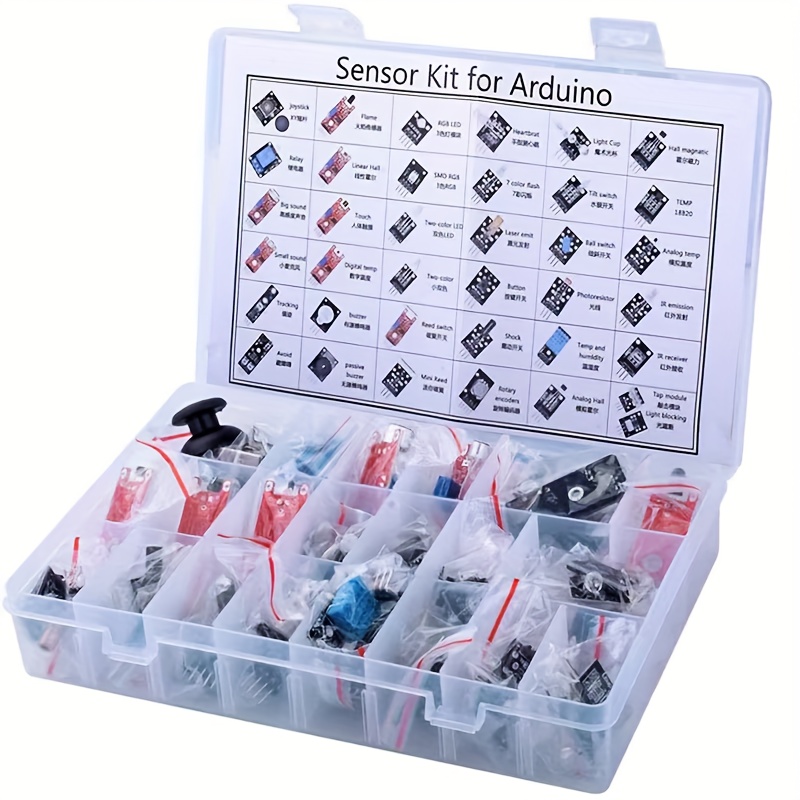
For this training, the first step is to select a sensor. While you have the option to pick any of the (37) Arduino sensors provided, it is recommended to use the KY-032 Infrared Obstacle Avoidance Sensor if this is your first time developing a driver for a sensor, as the remaining modules will reference the setup of this specific sensor. Once you understand the basics, setting up other sensors will be much easier.
For your convenience, please reference the Sensor Guide for more information when selecting a sensor. This guide was created as a centralized location to provide an overview of each sensor. It is recommended to start with a Digital Sensor instead of an Analog Sensor.
The KY-032 Infrared Obstacle Avoidance Sensor
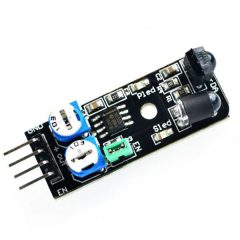
Before developing a driver for a sensor, it's always best to obtain as much information as you can about the sensor. Let's start by accessing the KY-032 Specifications. It's always a good start to research the sensor(s) you are building drivers for.
Upon reviewing the specifications, some important takeaways are:
- The KY-032 Sensor has (4) Pins: GND, +, S, and EN.
- The Working Voltage (or Operating Voltage) is 3.3V - 5V DC.
- The Output Signal is TTL.
- The module uses (2) knobs to adjust the detection distance (Left Knob) and the frequency of the IR pulse (Right Knob).
What does this mean?
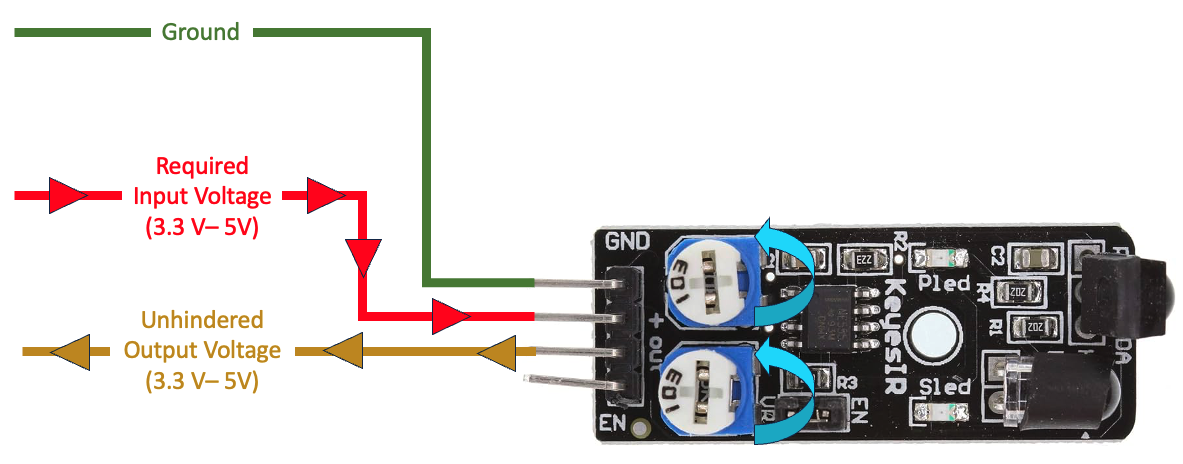
Let's translate the above specifications into a visual representation (reference the image below). To operate, the sensor needs 3.3V to 5V.
If left unhindered, the output voltage of the sensor when operating at normal capacity would also be 3.3V - 5V.
Recap
For this module, you selected a KY-032 Sensor. You learned how to find the specifications for this sensor and the basic anatomy of how the sensor will operate.